
Geolocation & Geofencing – An Effective New Feature
Location-based services and geo-fencing in KELIO time tracking. Distinguishing between home office and workplace.

Home office or company site? When the place of work matters
What does the Geofencing and Geolocation function mean in a time tracking system?
The pandemic forced us to learn to work from home, which presented companies with plenty of new challenges, but also brought considerable benefits. With a well-organised home office schedule, we can save up to 40% of the rented office space, and our employees can do the same work more flexibly and efficiently. In certain roles, however, we want to know where our colleague is working from.
This is where the Geofencing function comes into play: a virtual fence is placed around the home office area, from where our employee can clock in and out their working time. In some roles this is a very important factor. For example, if a call centre colleague checks in from the beach, they may not have the internet bandwidth needed to guarantee call quality. A similar example is an engineer or graphic designer who needs the high-resolution monitor provided by the company to work effectively.
Geofencing is not only relevant in a home office environment. A very good example is the construction industry or agriculture, where the employee has to spend their working time in a well-defined area where the infrastructure for installing a physical time tracking terminal is missing. Nowadays everyone has a smartphone, from which they can send the start and end of their working time with a single push of a button after clocking in. They can only do this if they are in the given area.
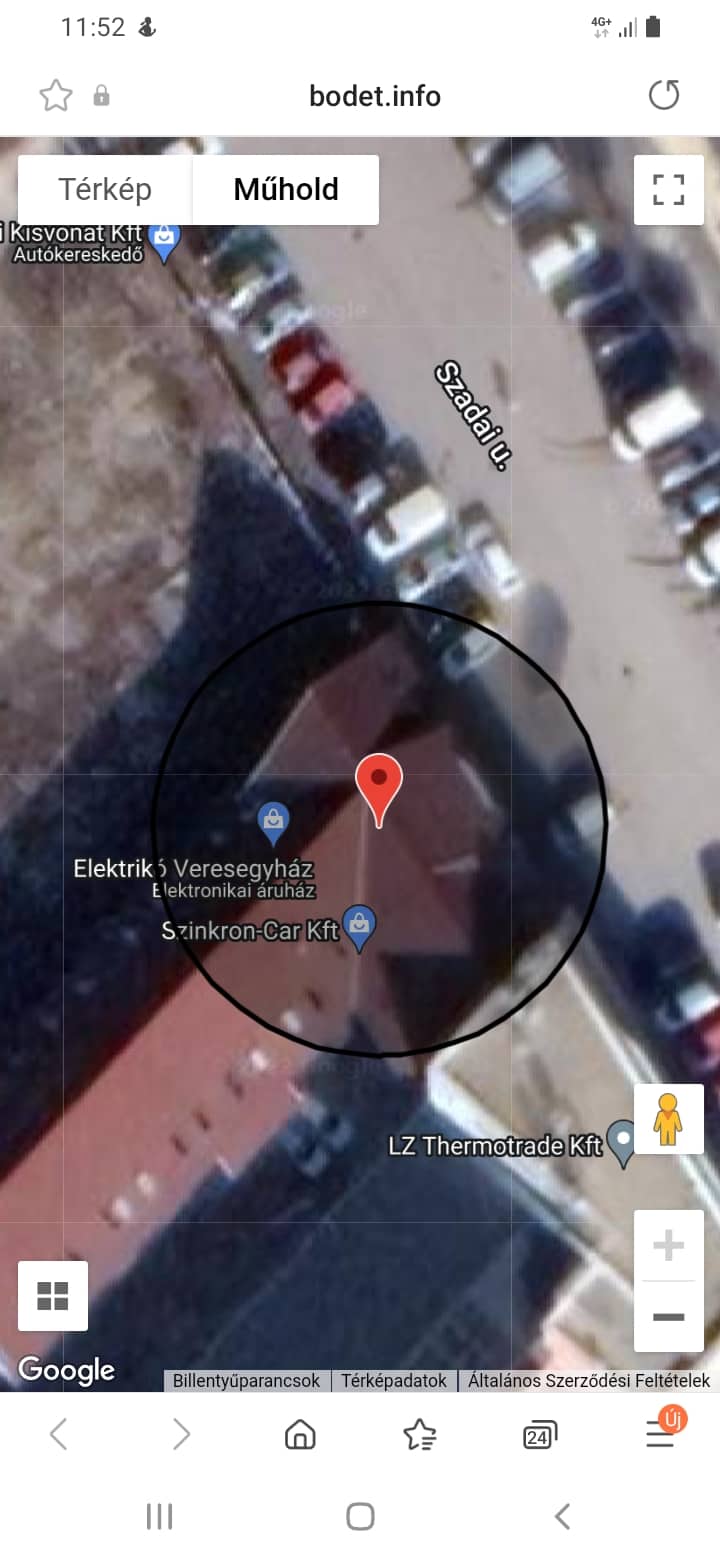
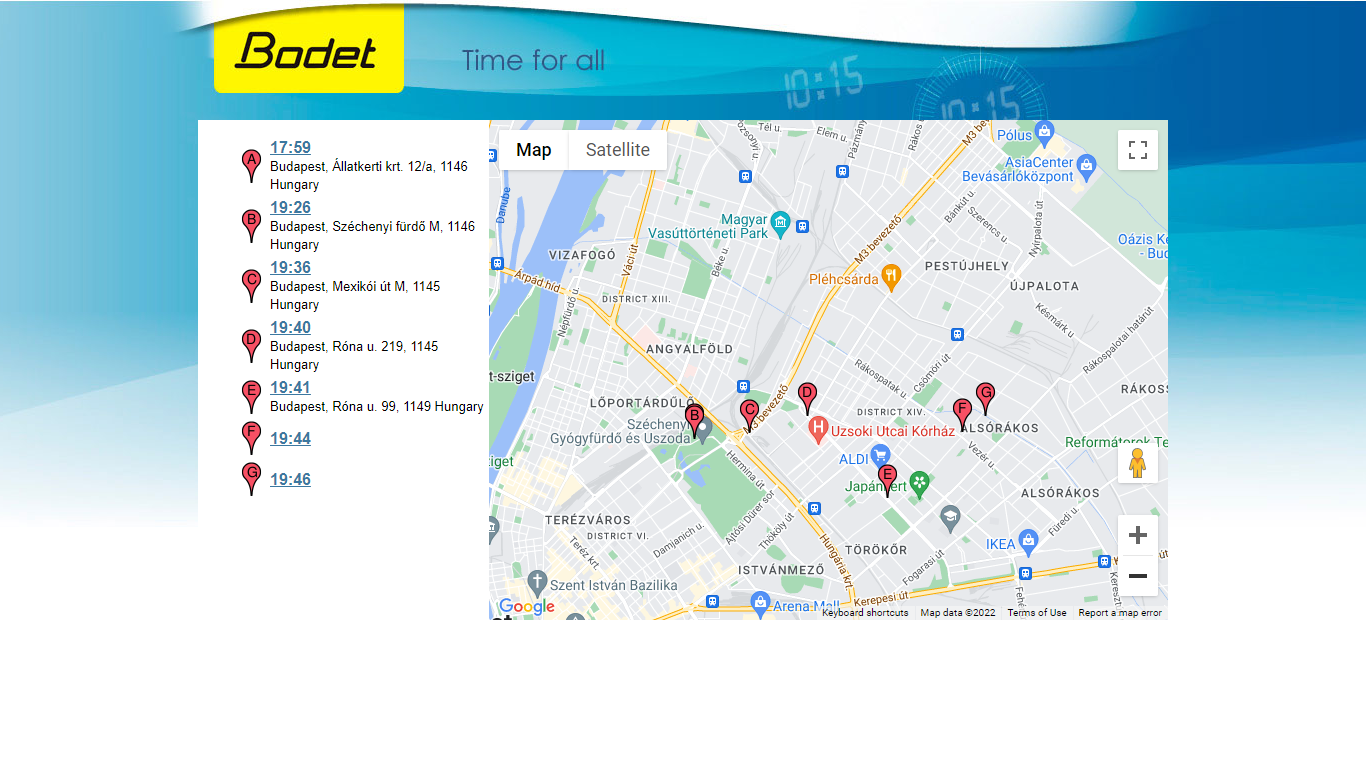
When the time data is recorded, the software examines the GPS coordinates of our smart device. It is hardly surprising that, alongside the Geofencing (virtual fence) function, a Geolocation function has also appeared in the latest KELIO time tracking systems.
When should we use the Geolocation function?
In the case of field representatives, it is often expected that they operate in a certain area during a given period. In such cases, the employer records the employee's location at the start of the working time, but also whenever any working time data is entered. This information can be displayed on a map, next to which the clockings of the given period and their exact addresses are listed. Was our field representative really at the client? Let us use the geolocation function and the Analytics module and it will become clear.
Recording the GPS position and the working time data together means further possibilities for fine-tuning the time tracking system. A recommended setting for companies with physical terminals is to exclude clocking in from mobile devices within their premises. With this setting, in the event of a possible fire alarm, the system can send an accurate presence report to those responsible, helping them in their work.
The digital solutions of the 21st century help a company to develop and grow, but it is just as important that the human side of the company is able to meet this challenge. To help our clients map their level of HR digitalisation readiness, we give a one-day audit as a gift from our partner with every KELIO time tracking system.
Stop running time, attendance and overtime in spreadsheets
KELIO manages time tracking, attendance, access control and overtime in one system — with payroll-ready data.
- Payroll-ready data
- Automatic overtime calculation
- Access control + time tracking on one platform
Free 30-minute online demo · no obligation
Request a free 30-minute live demo
Enter your details and we will show you how the system works in practice.
Request a Demo
Enter your details and we will schedule a personal online demo.
Prefer to call or message?
Thank you for your inquiry!
Our experts will contact you within 24 hours.